Consolidated Budget
If you share your life with a partner, you’ll typically have joint expenses as well. A joint budget makes it easy to keep track of the expenses you share.

Why Should You Share a Budget?
If you live together, you typically have expenses that you split evenly between yourselves, such as rent. Even if you don’t have a joint budget, it’s always a good idea to have a clear overview of your shared expenses. You can do this by creating a Budget and sharing it with each other. Of course, you can have multiple Budgets if you want to keep track of your own share of the finances separately.
How to Split a Budget
Once you’ve created a budget in Personal Finance, it’s really easy to share it. It only takes a few taps, and then you’ll have the perfect overview of your shared expenses.
Start by opening the Budget settings by tapping the gear icon.

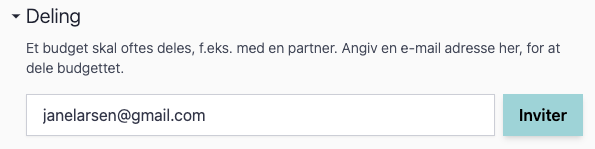
Next, go to the “Sharing” section, enter the email address of the person you want to share the Budget with, and tap “Invite.”
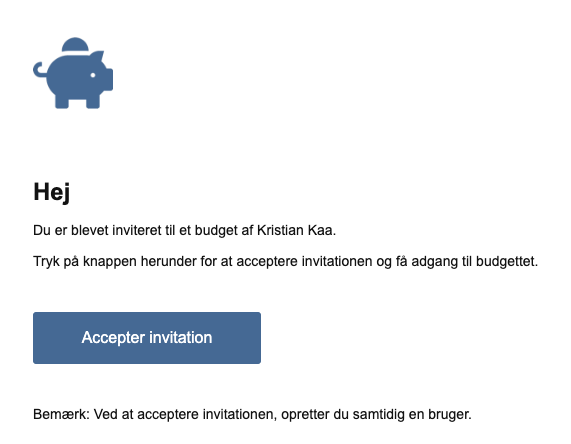
The person will now receive an email from Personal Finance. In that email, the person you invited simply needs to click “Accept Invitation.”
An account will now be created for the person on Personal Finance, and they will have access to the Budget.
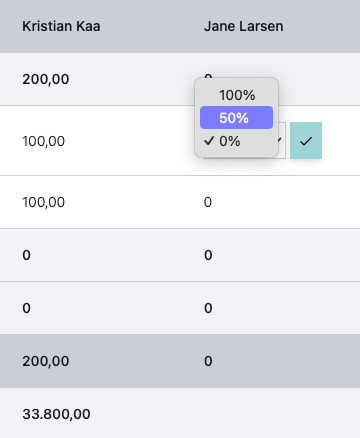
By default, all expenses would be set to 0 DKK for the invited person. This means that all expenses must be adjusted. When adjusting an expense, you select the percentage each person will pay toward that individual expense.